
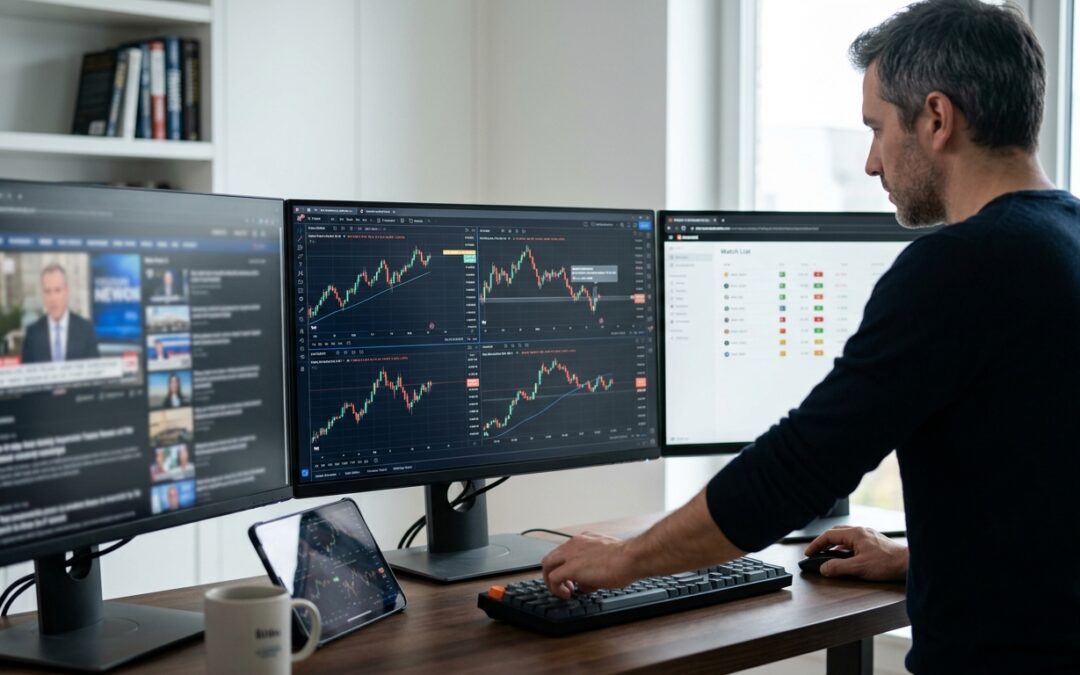
Most traders who scan markets manually share the same story. You open ten charts, check four timeframes on each, and by the time you finish, the first ones you looked at have already moved. You’re not analyzing the market anymore. You’re just keeping up with it.
The solution isn’t more discipline. It’s a smarter system. Automating your multi-timeframe scan workflow cuts the noise dramatically and lets you focus your attention where it actually counts.
Why Multi-Timeframe Analysis Breaks Down at Scale
Multi-timeframe analysis is one of the most reliable methods for finding high-probability setups. The core idea is simple: use a higher timeframe (weekly or daily) to establish directional bias, then drop to a lower timeframe (4H or 1H) to time entries with structure and confluence. Research published in the Journal of Stock and Forex Trading confirms that traders using this layered approach consistently identify sharper entries than those working on a single timeframe.
The problem is execution at scale. Monitoring EUR/USD, GBP/USD, DAX, and S&P 500 across weekly, daily, and hourly charts manually is a full-time job. Most traders either give up on the higher timeframes entirely, or they get buried in so many alerts that the signal-to-noise ratio collapses.
The fix is to automate the scanning layer while keeping human judgment for the final execution decision.
Start with a Bias Dashboard, Not a List of Alerts
The first step is replacing manual chart review with a structured bias dashboard. Instead of opening individual charts and eyeballing structure, you want a single view that tells you the directional bias on each instrument across multiple timeframes simultaneously.
TradingView has several purpose-built indicators for this. The Multi-Timeframe Bias Dashboard by otwlv, for example, automatically identifies market bias (bullish, bearish, or neutral) using price action analysis across several timeframes at once. You get a matrix-style readout that lets you assess alignment in seconds rather than minutes.
The SwissAlgo ICT Multi-Timeframe Market Structure Tracker takes a similar approach but focuses specifically on ICT concepts, tracking structural highs and lows across the weekly, daily, and hourly timeframes simultaneously. If you’re working with order blocks, fair value gaps, or liquidity sweeps, this kind of tool removes the need to manually draw structure on every chart before you can start your analysis.
Build Conditional Alerts, Not Single-Event Notifications
Basic price alerts are almost useless for this kind of work. A notification that tells you price touched 1.2850 says nothing about whether structure, bias, and momentum are aligned at that level.
What you actually want are multi-condition alerts: notifications that only fire when several criteria are met at the same time. TrendSpider’s multi-factor alert system is a strong example of this approach. You can chain technical conditions together so an alert only triggers when, say, price taps a daily order block while the hourly timeframe shows a structural break of structure to the upside and RSI is below 40.
Moondrops takes this even further for crypto traders with what they call Strategy Alerts. Rather than monitoring individual assets manually, you define a rule set and the system continuously scans the market and fires a notification only when all your conditions align. The result is a much cleaner signal feed with far fewer false positives.
The principle applies regardless of which platform you use. Wherever possible, layer your conditions:
- Higher timeframe bias must be directionally aligned with the trade idea
- Price must be at a structurally significant level (swing high, order block, liquidity zone)
- A lower timeframe confirmation trigger must be present (break of structure, engulfing candle, momentum shift)
When all three are true, the alert fires. When only one or two are true, it stays quiet.
Use Telegram Bots as a Delivery Layer, Not the Logic Layer
Telegram bots are useful, but most traders use them wrong. They connect a bot directly to a basic price alert and end up with a Telegram channel firing 40 messages a day. That’s not automation. That’s just noise in a different location.
The right way to use a Telegram bot is as a delivery layer for alerts that have already been filtered by complex logic upstream. Connect your TradingView Pine Script alerts or your TrendSpider multi-factor conditions to a webhook, then route those webhooks to a Telegram bot. Now the bot only pings you when the full criteria stack has been satisfied, not every time price wiggles near a level.
If you’re on MT4 or MT5, expert advisors can do the same job internally. You can write or modify an EA to monitor multiple pairs simultaneously, evaluate structural conditions on each timeframe, and push a notification only when the conditions reach a pre-defined threshold. This keeps your analysis logic inside the platform where you execute, which reduces the number of moving parts in your workflow.
Structure Your Watchlist Around Trade States, Not Instruments
One underrated way to manage information overload is to stop organizing your watchlist by instrument and start organizing it by trade state. Instead of a flat list of 20 forex pairs and indices, maintain three smaller lists:
- Watching: Pairs where higher timeframe bias is clear but price hasn’t reached a key level yet
- On deck: Pairs where price is approaching a high-probability zone and a lower timeframe trigger could form soon
- Ready: Pairs where all conditions are aligned and you’re waiting only for the execution signal
Your automated alerts move instruments between these states without you having to check manually. You only spend real analytical time on the instruments in the “ready” bucket. Everything else stays in the background until the system tells you otherwise.
Keeping the System Lean
The biggest risk with automated scanning is building a system that’s so complex you stop trusting it. If your alert criteria are too narrow, you miss genuinely good setups. If they’re too wide, you’re back to noise.
A practical starting point is to monitor no more than 10 to 15 instruments across three timeframes (weekly, daily, 4H or 1H depending on your trading style). Use a bias dashboard to do the initial filter. Set conditional alerts for the two or three setups you trade most consistently. Route those alerts to a single notification channel.
Review and refine the criteria monthly. If you’re getting more than five or six alerts per day that don’t result in valid setups, tighten the conditions. If you’re missing obvious moves you can see in hindsight, loosen one of the filters.
The goal isn’t a perfect algorithm. It’s a system that does the tedious scanning work for you, surfaces only what matters, and keeps your decision-making clear when it counts.